In this article we will look at how to create and close or cancel Sales Order Quotes in Jiwa.
Creating a Sales Order Quote
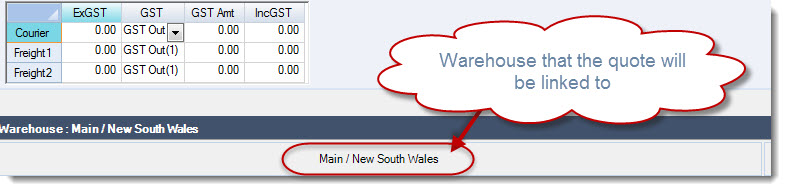
Before creating your new quote make sure you are working with the correct warehouse as you will not be able to change the warehouse on the quote itself or on the sales orders that are created from the quote.
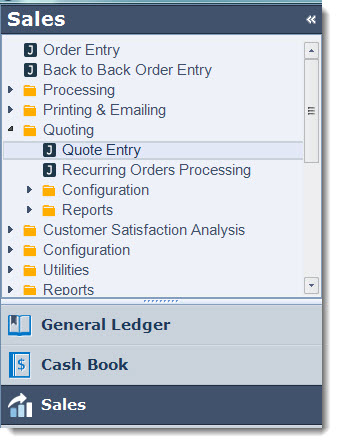
Select Sales | Quoting | Quote Entry
From the menu ribbon select New | New Quote

The Debtors search form will be activated, select your Debtor/Customer that the quote is for.