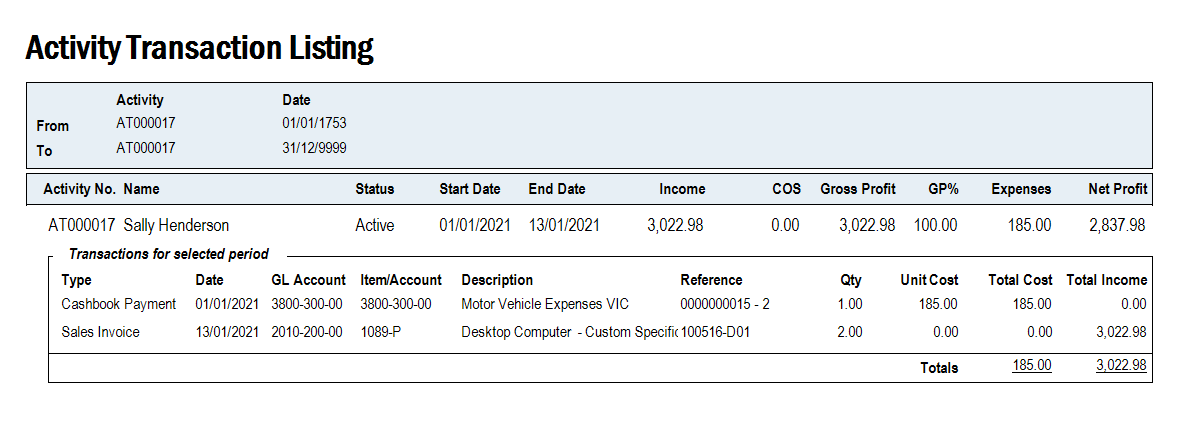
Activity Transactions List Report
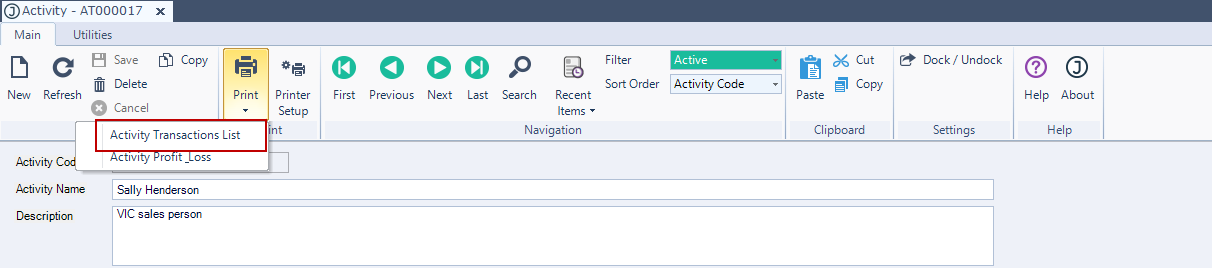
The activity transaction list report is available from the Activity Maintenance form menu ribbon.
When this report is run against a parent activity it will only display transactions that are associated with the parent activity.
From the menu ribbon select Print and then Activity Transactions List
The report will display all transactions against the selected activity.